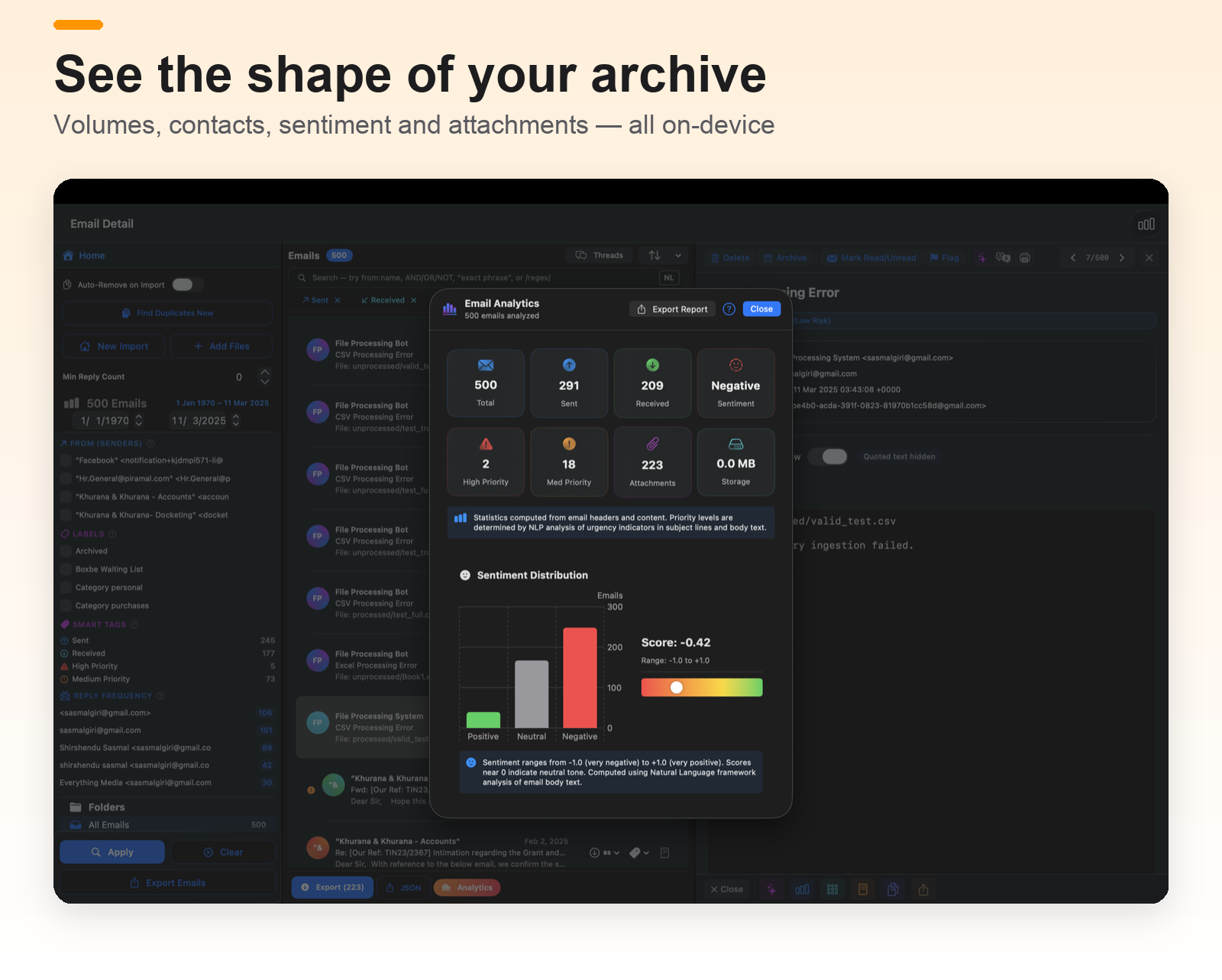
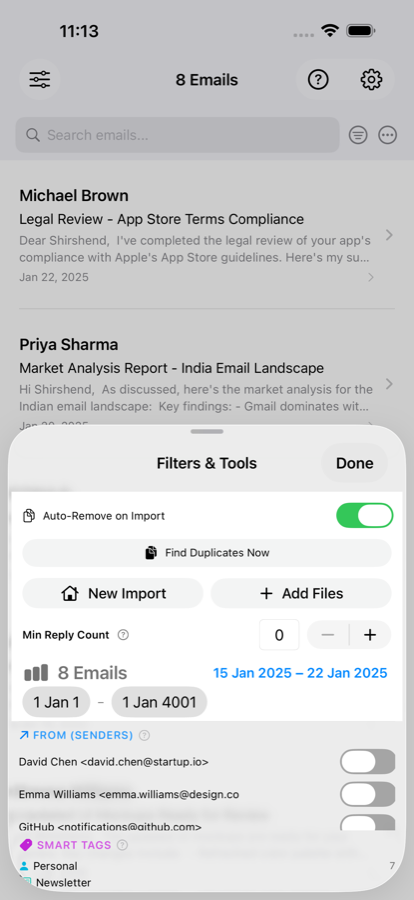
Your mail archive, on your Mac — with a receipt for everything.
mailin 3.0 rebuilds the archive experience around one idea: every import, export and move should leave a record you can check. A new three-pane shell, an import queue, resumable exports, and search that tells you what it covered.
Free · Mac, iPhone and iPad · one purchase covers all three
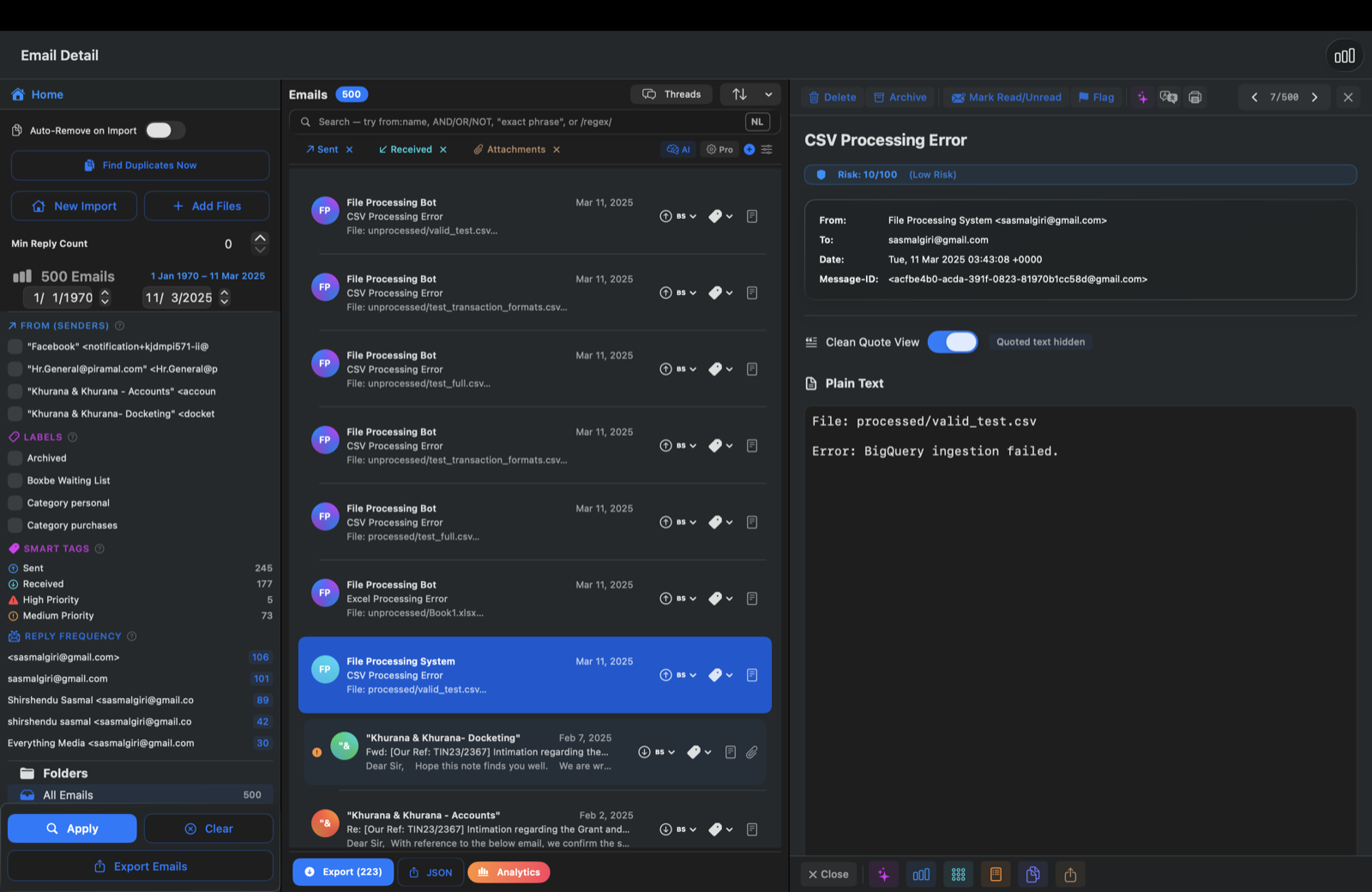
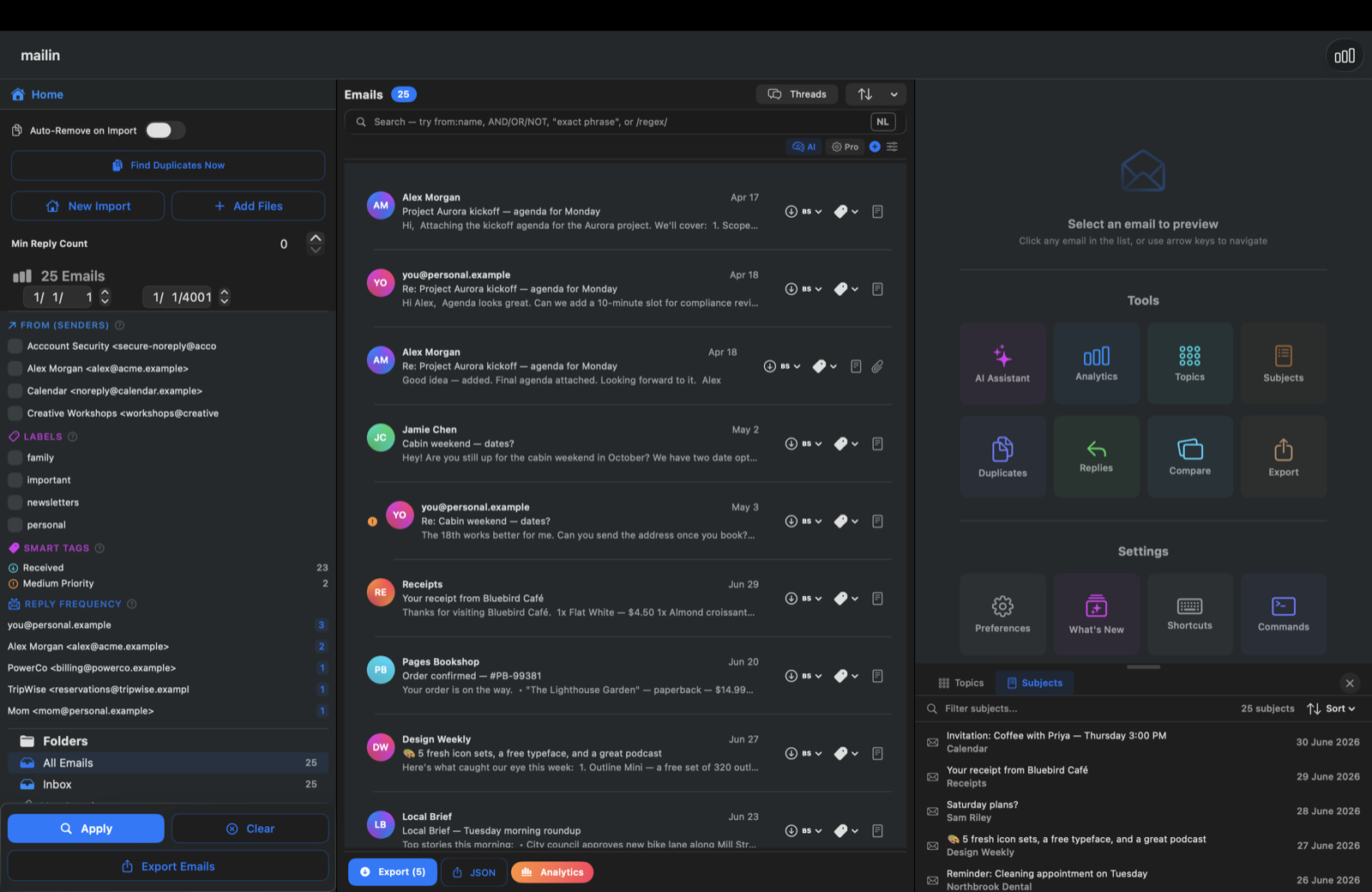
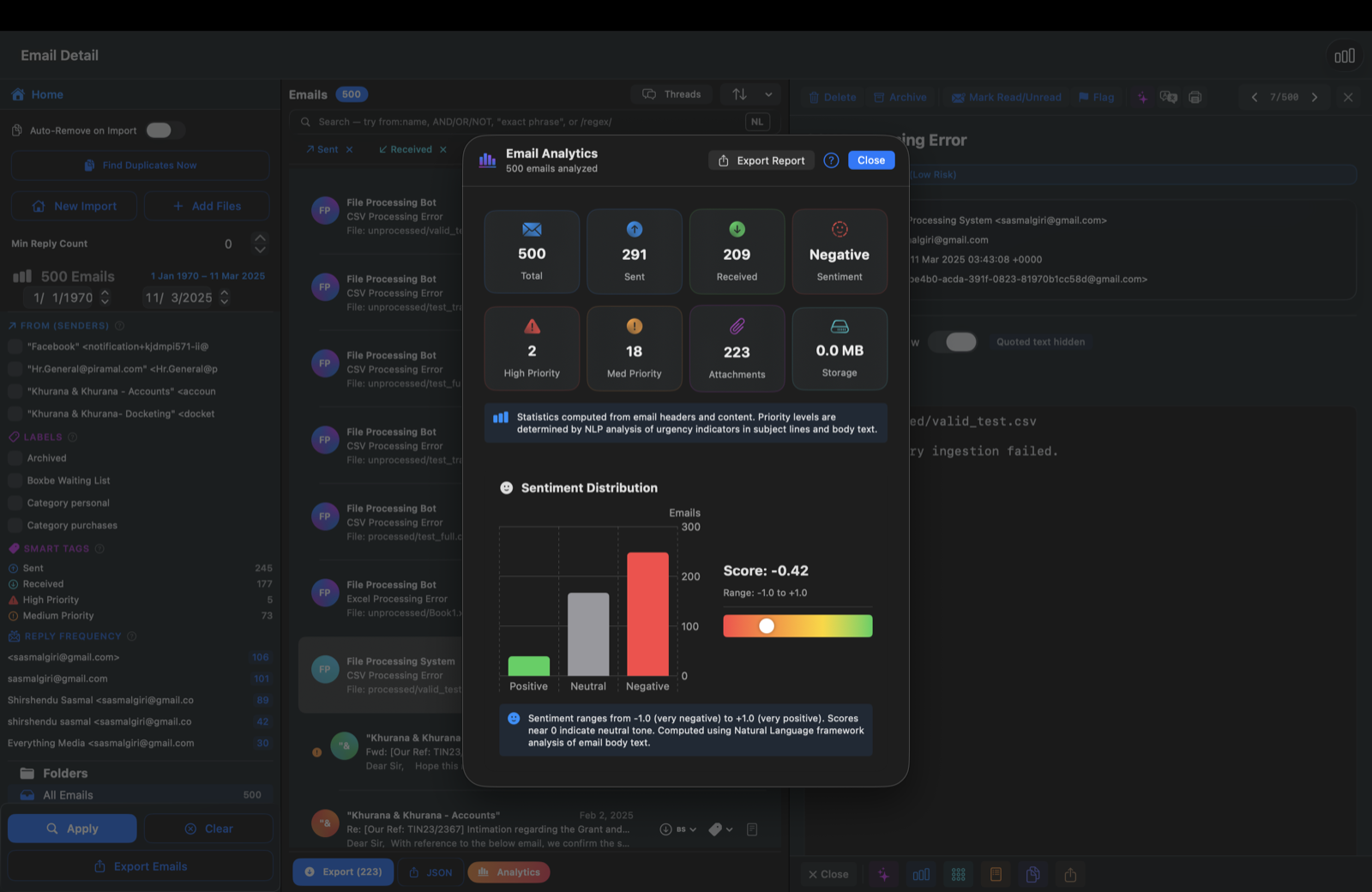
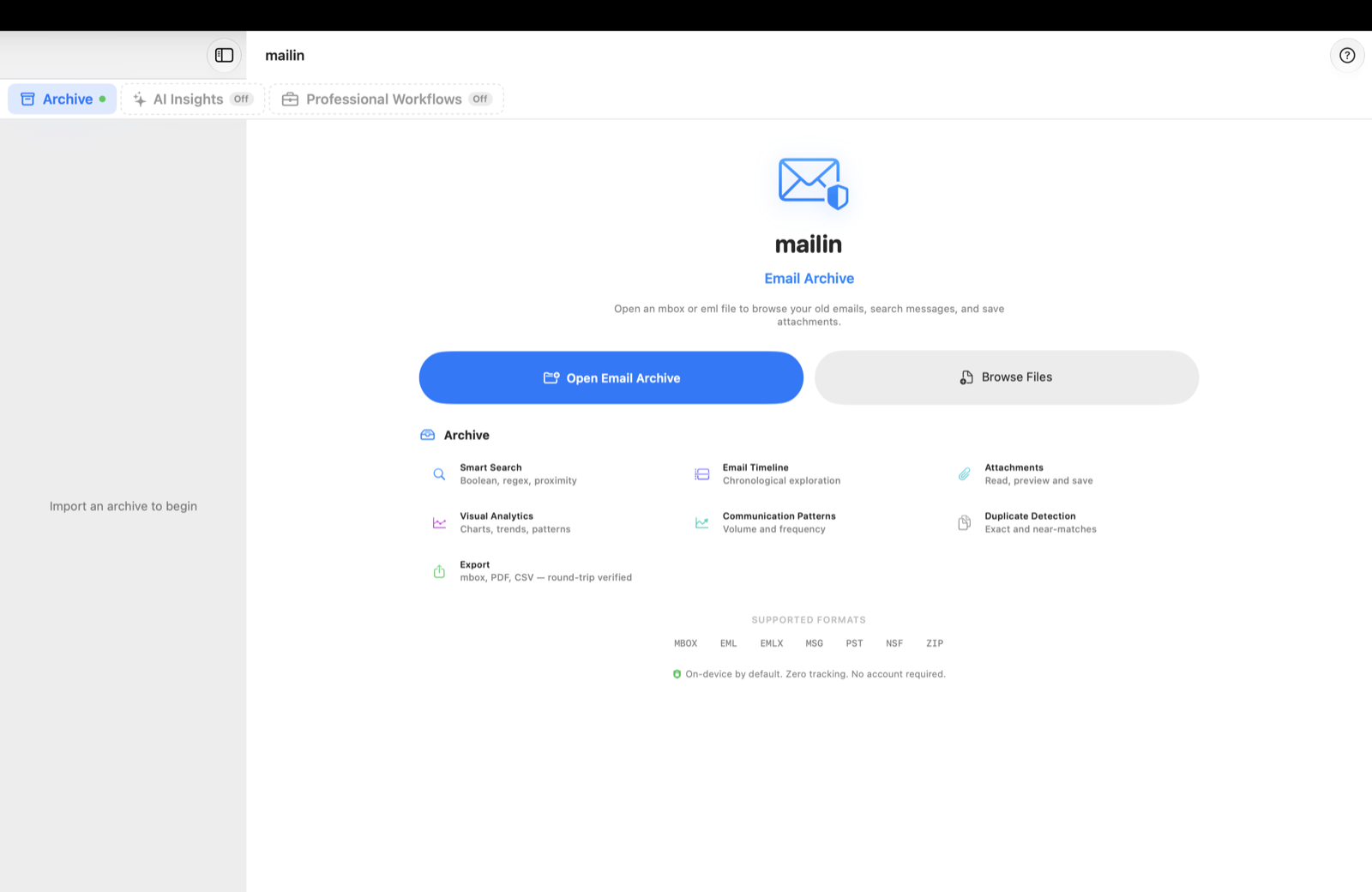
Three-pane archive
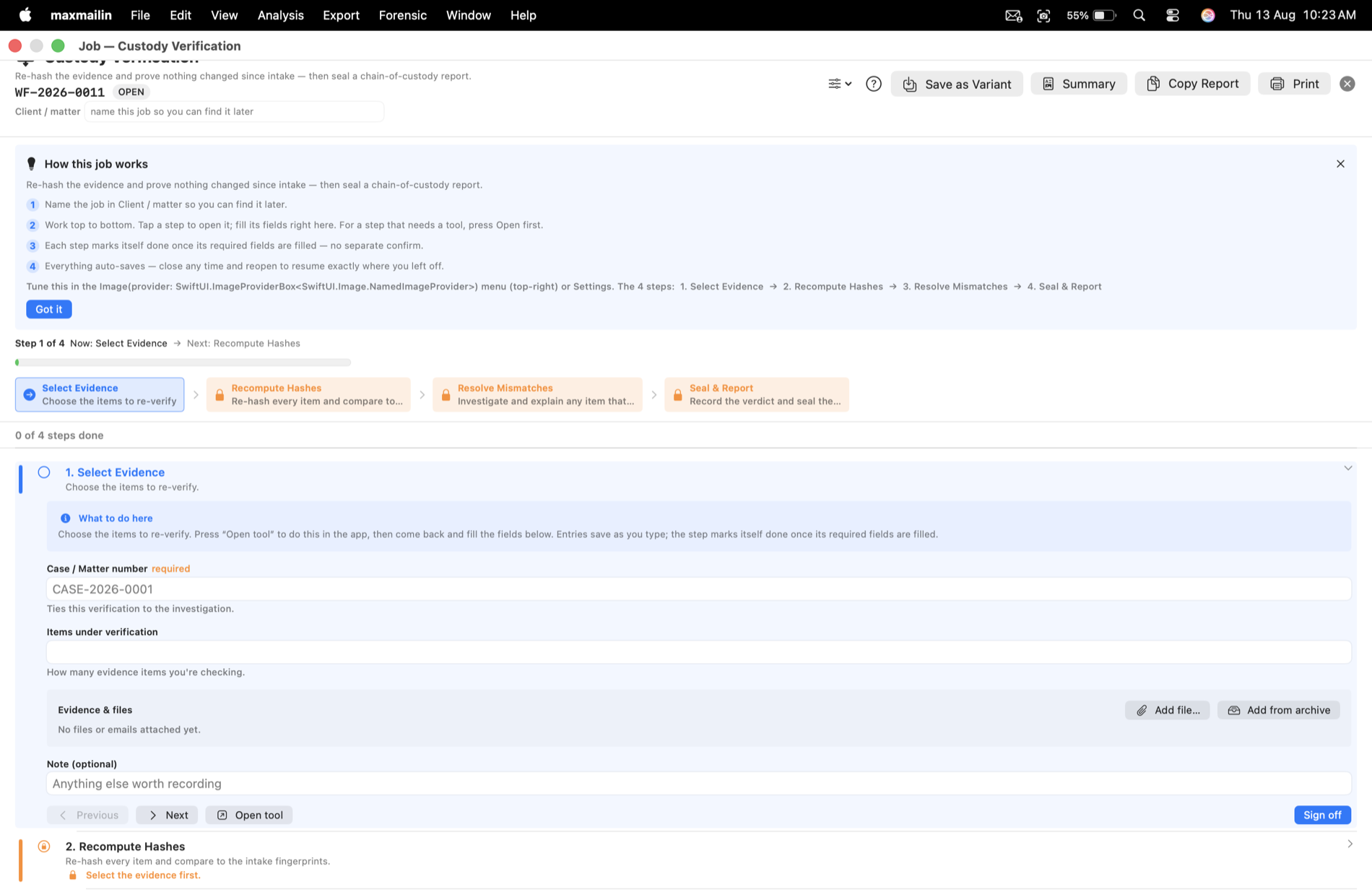
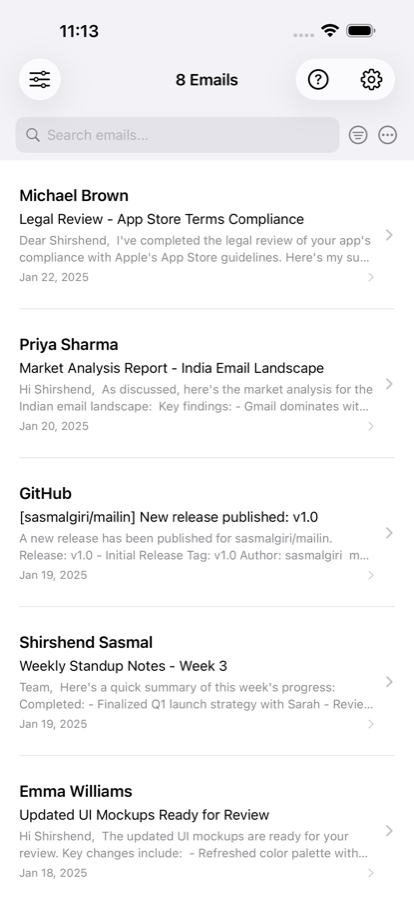
Mailboxes, sources and labels on the left, the list in the middle, the message on the right. Open an archive and you are in it. Keyboard-first: J/K, Return, / to search.
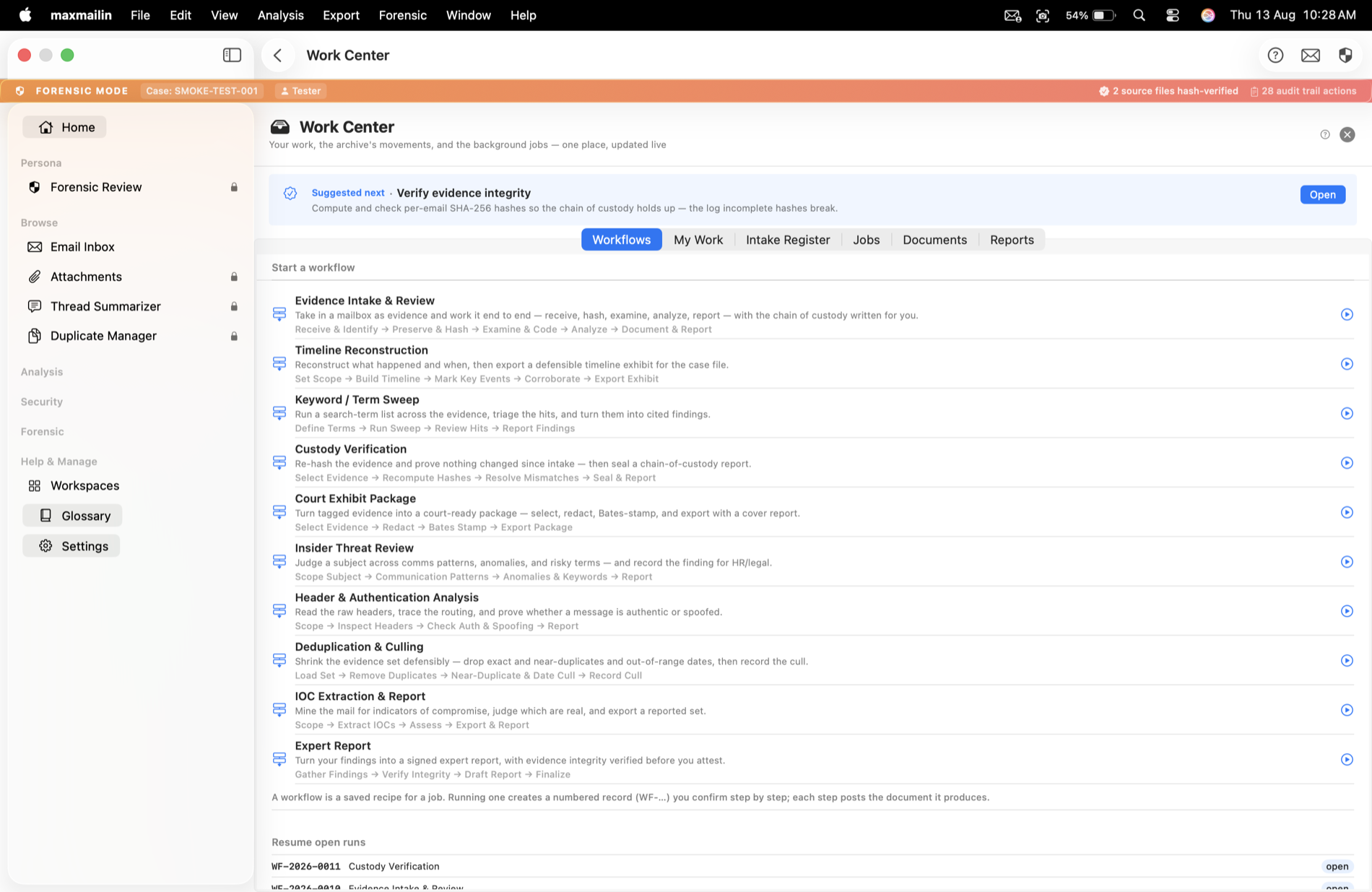
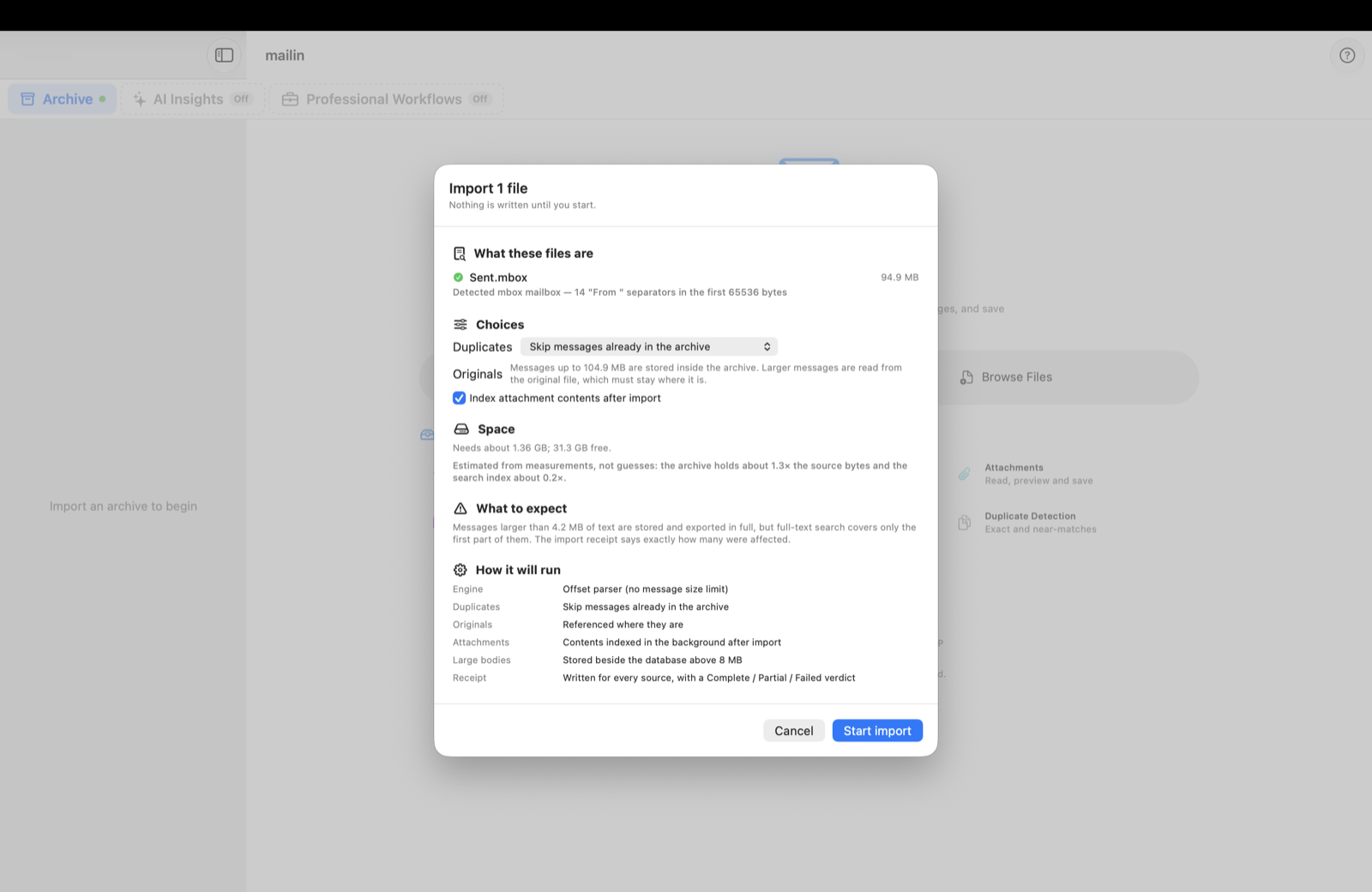
Import queue
Pause, resume, reorder or stop a single file while the rest continue. The import sheet lets you pick the duplicate policy and whether attachment contents are indexed. Every import ends in a signed receipt.
Export pre-flight, receipt, resume
See the space needed before you start. Every export ends in a receipt with its hash; an interrupted export resumes from that receipt and writes nothing twice. mbox, .eml, PDF, TIFF, .msg, CSV, Word, Markdown, JSON or a portable HTML viewer.
Move the archive to another disk
A verified copy on an external drive, opened from there; if the drive is away, the copy on this Mac stays usable. Nothing is deleted until the new location is live.
Search that says what it saw
Results show where they matched (From, Subject, Body, Attachment) and how much of the archive the index covered when it answered. A search that has not seen every message never reads as a bare zero.
Large messages, kept
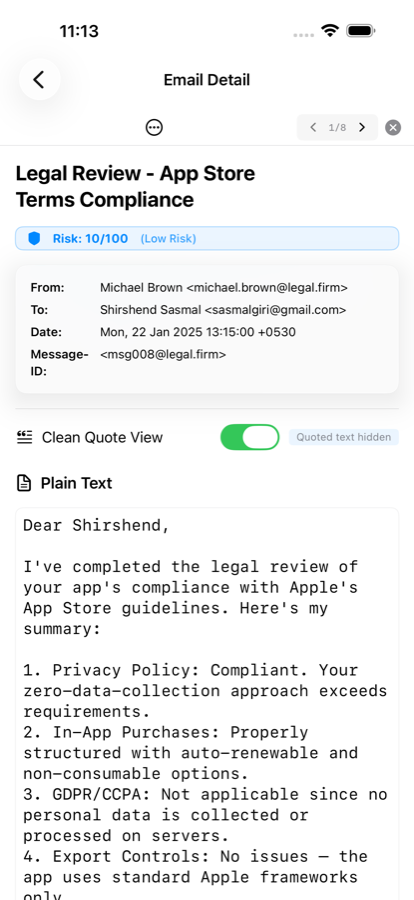
Single messages over 100 MB are archived and read from the file you imported instead of being reported as damaged. Import a ZIP directly; mailin reads the mailbox files inside.
Interface in 11 languages
English, German, Spanish, French, Hindi, Italian, Japanese, Korean, Brazilian Portuguese, Simplified and Traditional Chinese. mailin follows the language you set for it in System Settings.
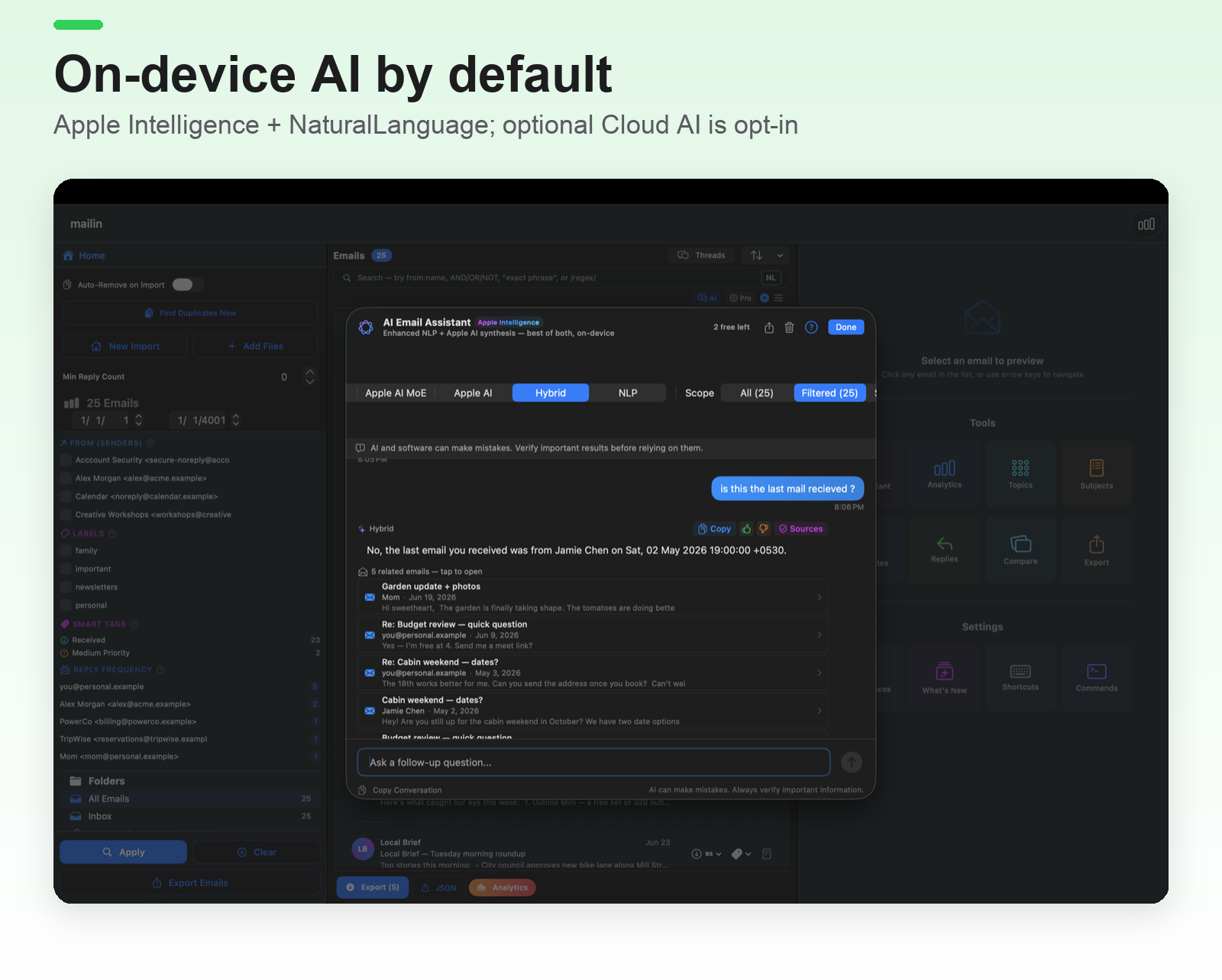
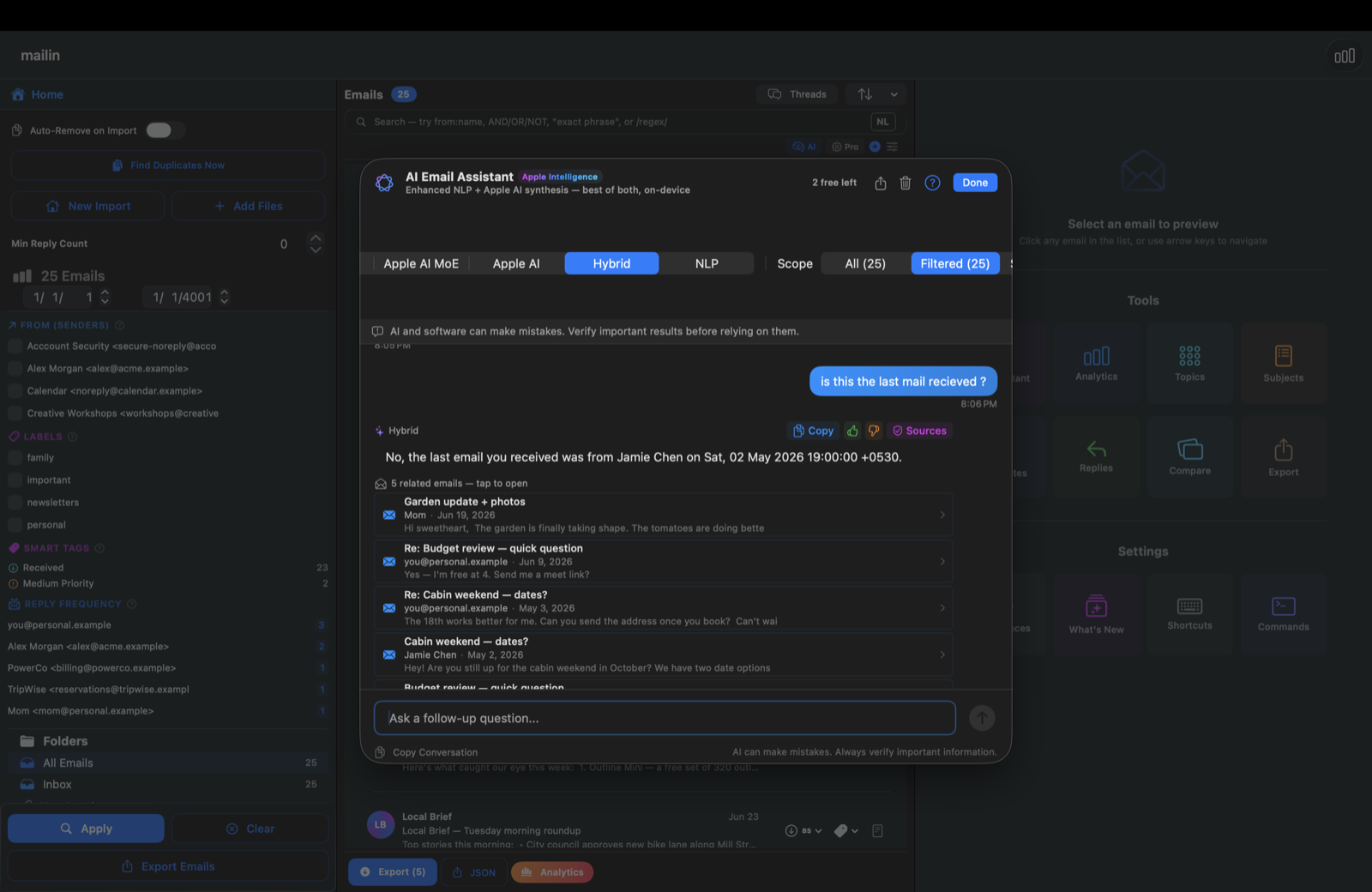
AI answers you can check
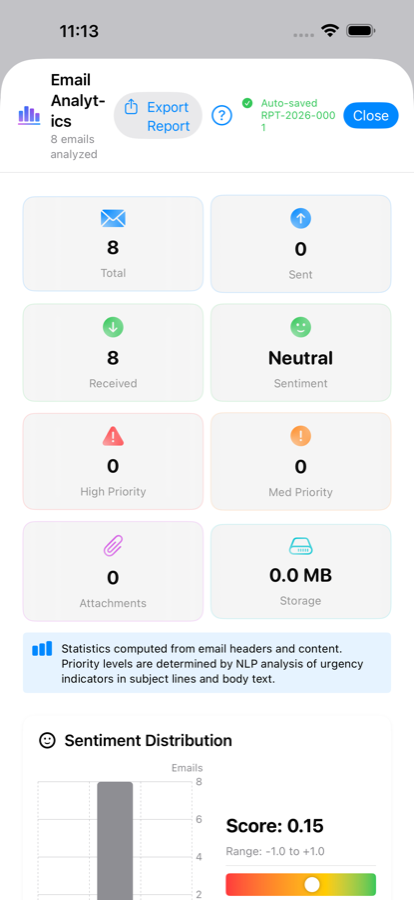
Every answer lists the emails it came from. Counts, dates and amounts are read from your archive by the app, not written by the model. With Apple Intelligence off, mailin still answers from the emails themselves, quoted.
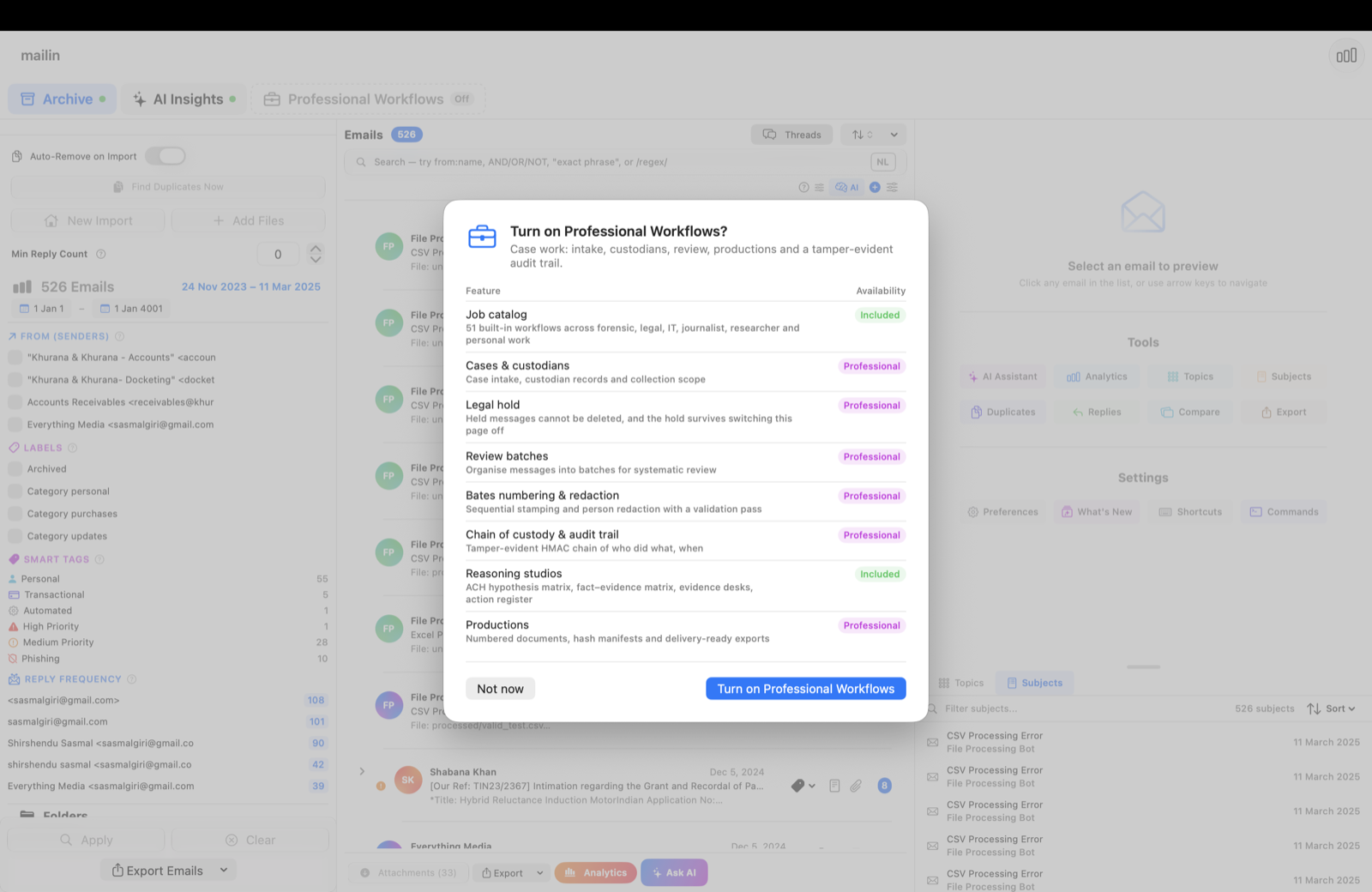
Optional pages, off until you switch them on
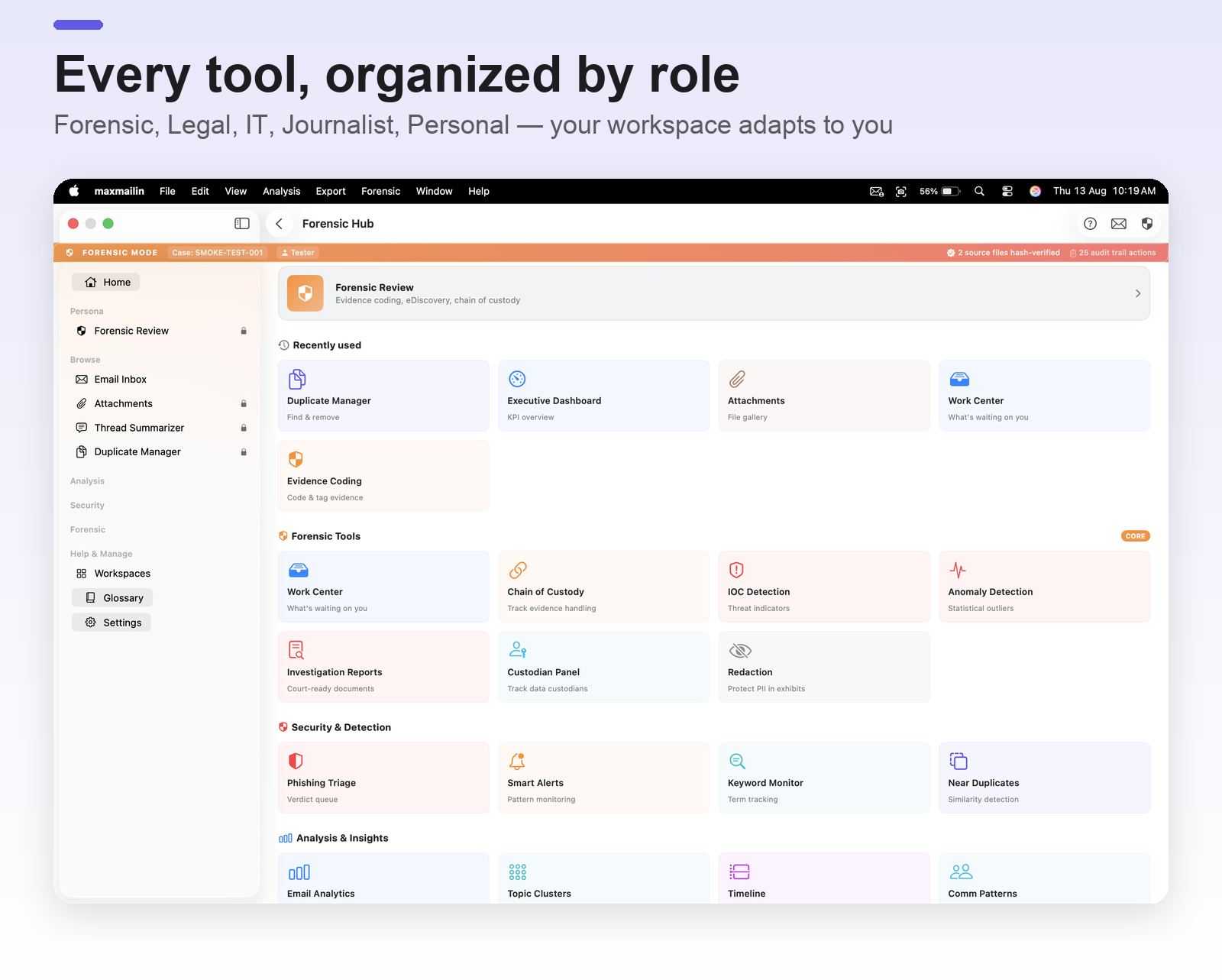
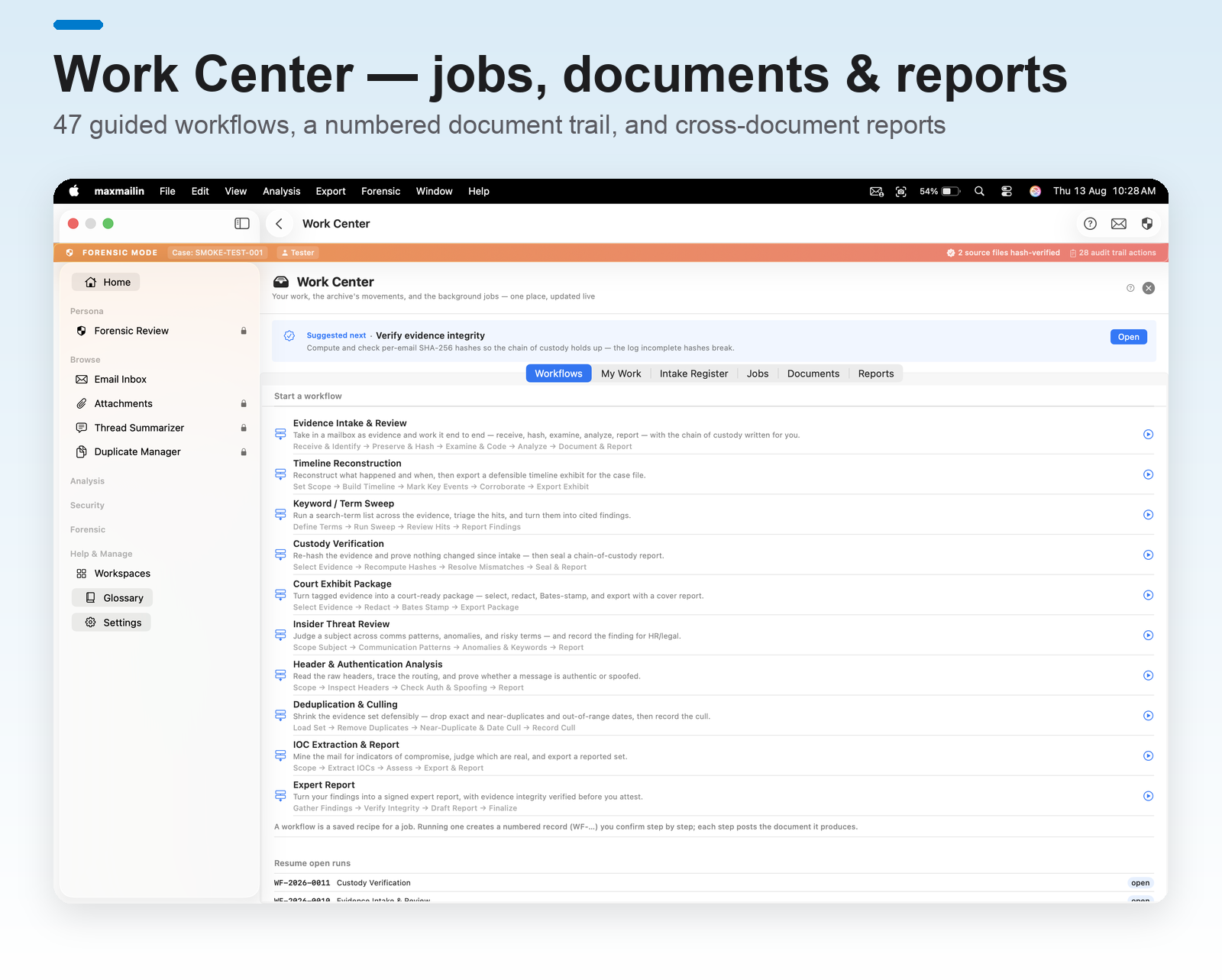
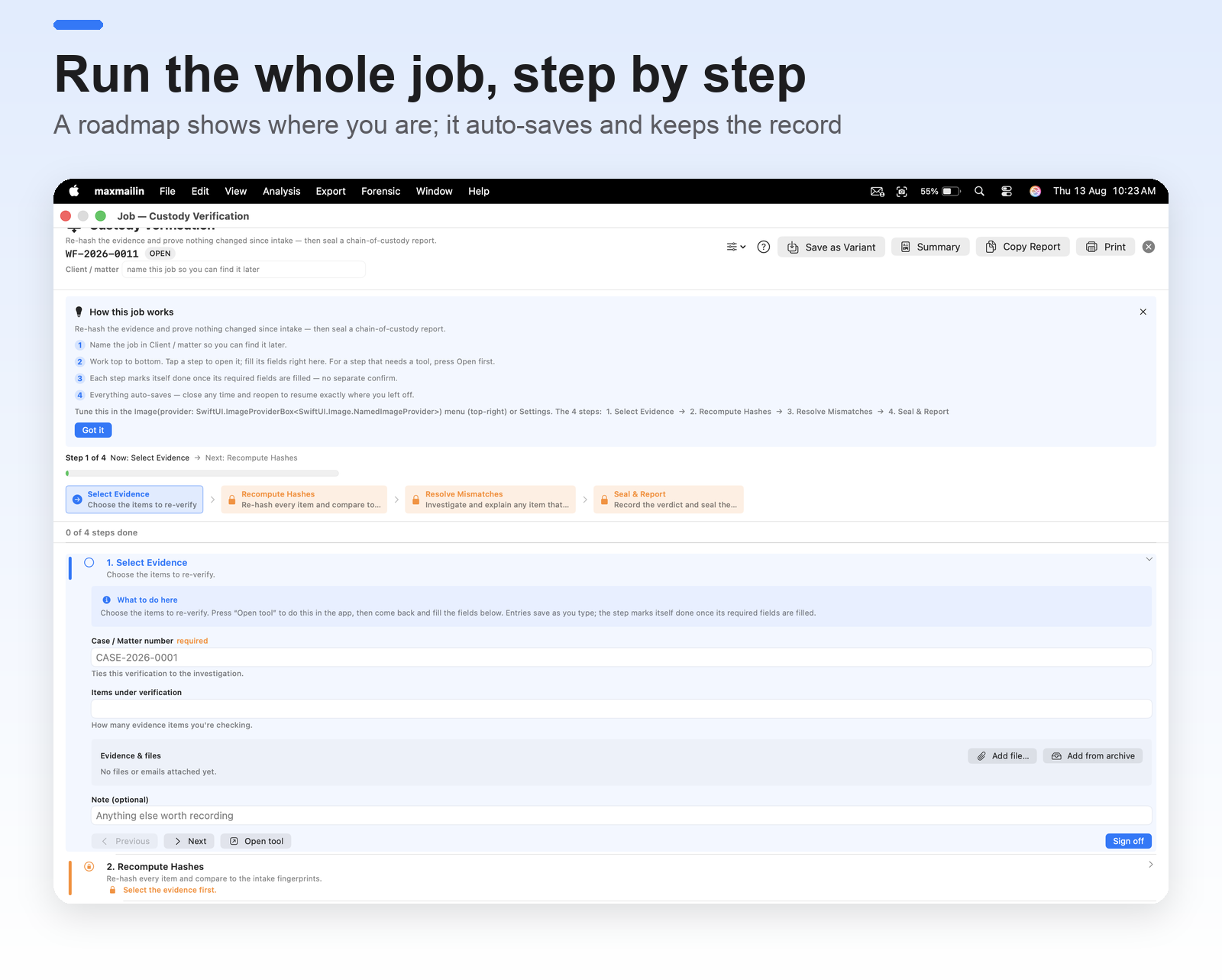
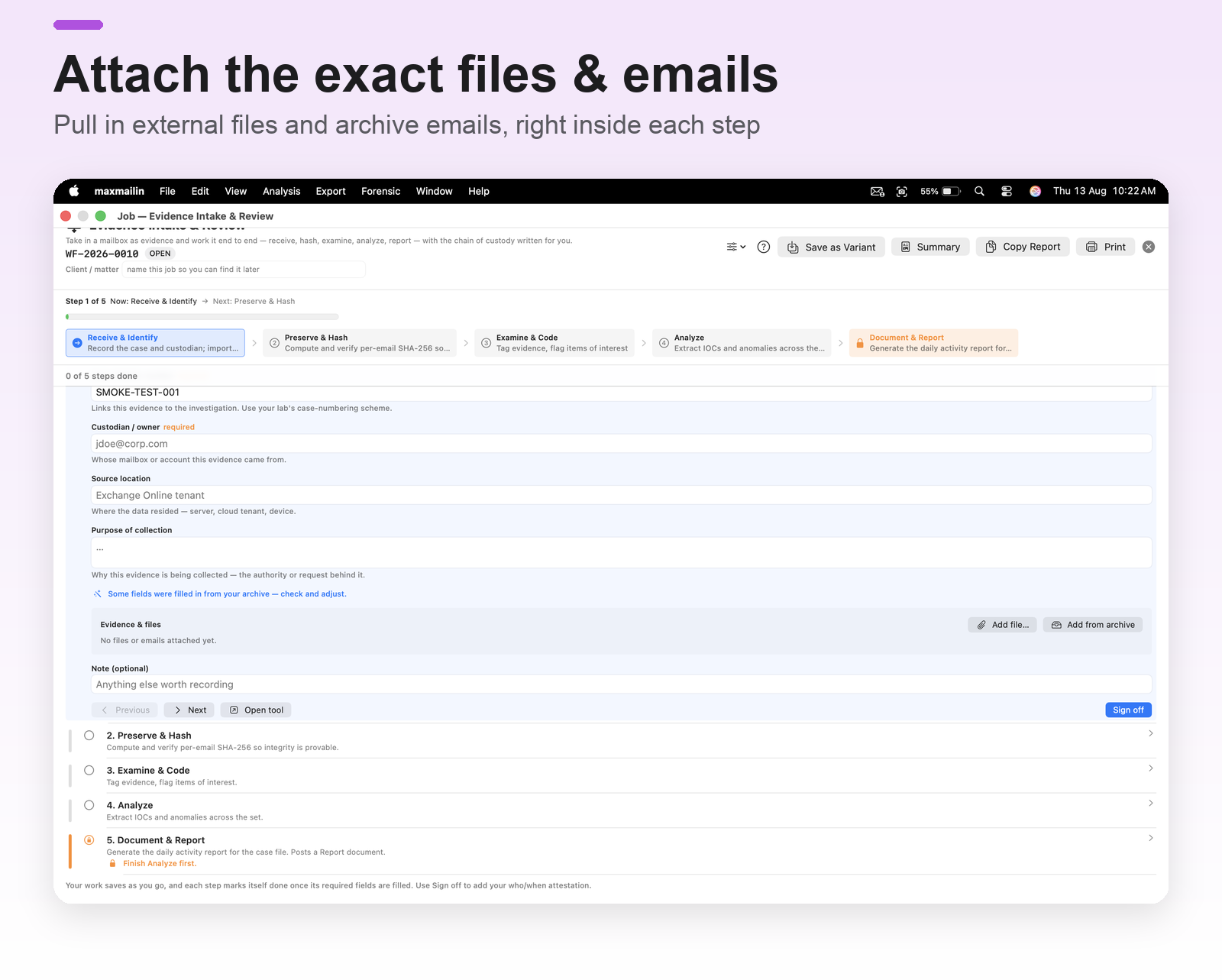
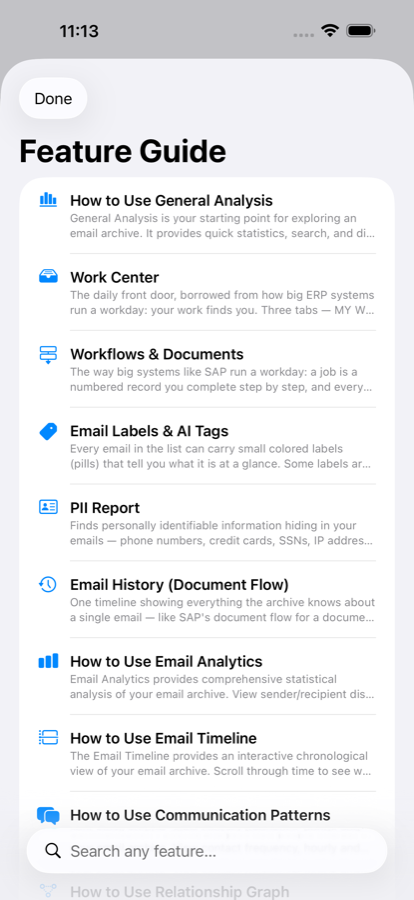
AI Insights and Professional Workflows are separate pages. Nothing they need runs until you enable them, and the page switcher shows what each one needs.
Also new in 3.0
Find deleted mail
mailin marks mail that was deleted but is still inside your mailbox files — Outlook, Thunderbird, Apple Mail, Gmail Takeout — and says how each message was found. Deep recovery searches the free space of Outlook files for messages no folder lists any more. Personal; deep recovery Professional.
Text in scanned attachments
Scanned PDFs and photos attached to your emails are read on your device by Apple Vision, so attachment search finds the words inside them. Mail already in your archive is read once in the background and resumes after an interruption.
Outlook PST export, rebuilt
PST export is rewritten from Microsoft's published format: folders, recipients and attachments, in a file that opens in Microsoft Outlook. Handy for handing mail to someone who works in Outlook.
Scripts and Shortcuts
Tag, set aside and note emails with small scripts that run on your Mac with no network access, after a dry run that shows every change — or build the same rule from menus without code. Shortcuts can find, tag, hold, number and export emails. Professional.
Review together
Send a set of emails to a reviewer as a Review Pack and merge their answers, or run a team case in a shared folder with signed logs, roles and second-level review. Sending and leading: Professional. Reviewers need no purchase.
Hidden timestamps and signatures
Read the time values Gmail and other systems keep in message headers, and check ARC and DKIM signatures, so you can see when a message really passed through. Professional.
Works with DEVONthink
On the Mac, Export ▸ Send to DEVONthink writes the emails as standard .eml files and opens them in DEVONthink. Copy Link to Email gives a mailin:// link that reopens the email from DEVONthink, Notes or any app.
No built-in size limit. Import streams from disk, so archive size is bounded by your storage, not by mailin. Verified on real mail up to 1.5 GB in one file; larger archives have not been tested. Offline, full stop. No account, no telemetry, no cloud AI. The app has no network entitlement: nothing about your archive can leave your device.